 TopSMM Blog
 By Koyal Pandey
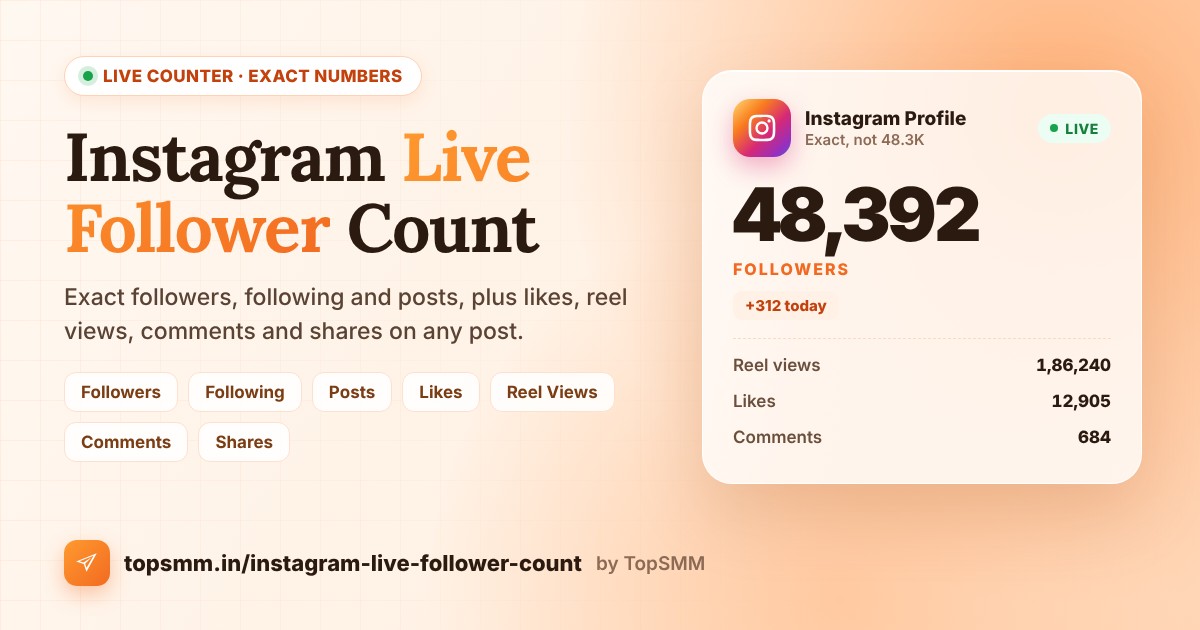
Instagram rounds follower counts. An account with 48,392 followers shows as 48.3K, and one with 1,254,870 shows as 1.2M. That hides real growth and real drops. This guide shows you how to see the exact, live follower count of any Instagram account, plus following, posts, and the likes, views, comments and shares on any post or reel.
Open the Instagram Live Follower Count tool
What the Instagram live counter can check
- Followers, following and posts of any account.
- Likes on one post or reel.
- Reel views on one reel or video.
- Comments and shares on one post or reel.
How to see the exact Instagram follower count: step by step
Step 1: Copy the profile link or username
Open the profile, tap the three dots, and choose Copy profile URL. You can also just type the username, for example topsmm or @topsmm.
Step 2: Open the counter and choose what to count
Go to the Instagram live counter and pick a tab: Followers, Following, Posts, Likes, Reel Views, Comments or Shares.
Step 3: Paste and tap Check count
The counter reads the live number from Instagram and shows the exact value in a few seconds. You need a free TopSMM account to run checks. If you do not have one, create a free account in under a minute.
Step 4: Refresh to track changes
Tap Refresh after a few minutes. The same link is cached for about 5 minutes, so very quick refreshes show the same number.
Which link to use for each counter
- Followers, Following and Posts: the profile link, like instagram.com/username, or just the username.
- Likes, Comments and Shares: the link of one post or reel, like instagram.com/p/ABC123 or instagram.com/reel/ABC123.
- Reel Views: the link of one reel or video.
Why exact numbers matter
- Daily growth: 48.3K can hide hundreds of new followers. The exact number shows every change.
- Drops: Instagram removes inactive and fake accounts from time to time. An exact count shows a drop the same day.
- Campaigns: note the count before and after a giveaway, collab or ad to see what worked.
- Influencer checks: compare followers with likes and reel views before you pay for a promotion.
When a number cannot be read
Some creators hide like counts, and Instagram does not show share counts on every post. Likes, views, comments and shares only work on public posts and reels. If a number is hidden, the counter tells you instead of guessing.
Want to grow faster?
TopSMM offers Instagram followers, likes, reel views and comments from just ₹5 with UPI. You can also check your engagement rate for free, or see every service on the Instagram SMM panel page.
Frequently asked questions
Is the Instagram live counter free?
Yes. It is free for every TopSMM member. You only need a free account to run checks.
Is the follower count exact?
Yes. In most cases it shows the exact number, not a rounded value like 12.5K. If Instagram only gives a rounded number, the counter tells you.
Can I check a private account?
Followers, following and posts work for most accounts, including many private ones. Post counters only work on public posts and reels.
Can I check reel views?
Yes. Choose Reel Views and paste the reel link.
More free tools: Facebook Live Follower Count, YouTube Live Subscriber Counter and all free tools.