How to Find Any Service Without Typing
Pick a platform icon, choose a category and select a service on the New Order page without typing.
Watch on YouTubeShort mobile guides that show exactly how to use TopSMM, step by step.
Pick the right service, paste the correct link and order in seconds.
Pick a platform icon, choose a category and select a service on the New Order page without typing.
Watch on YouTube
Search services by name (for example Telegram Members) or by Service ID on the New Order page.
Watch on YouTube
Understand start time, speed, drop and refill in a TopSMM service description before you place an order.
Watch on YouTube
Which link to paste for Instagram, YouTube, Facebook, Telegram, TikTok, X and WhatsApp services, and how to enter quantity.
Watch on YouTube
Star a service on the Services page and order it faster from My Favourites on the New Order page.
Watch on YouTubeCheck status, search orders, reorder and get help on WhatsApp.

See your total orders, total spent and wallet balance on the TopSMM dashboard in a few taps.
Watch on YouTube
Find any order fast: search by one or many Order IDs, username, post or reel code, or Service ID.
Watch on YouTube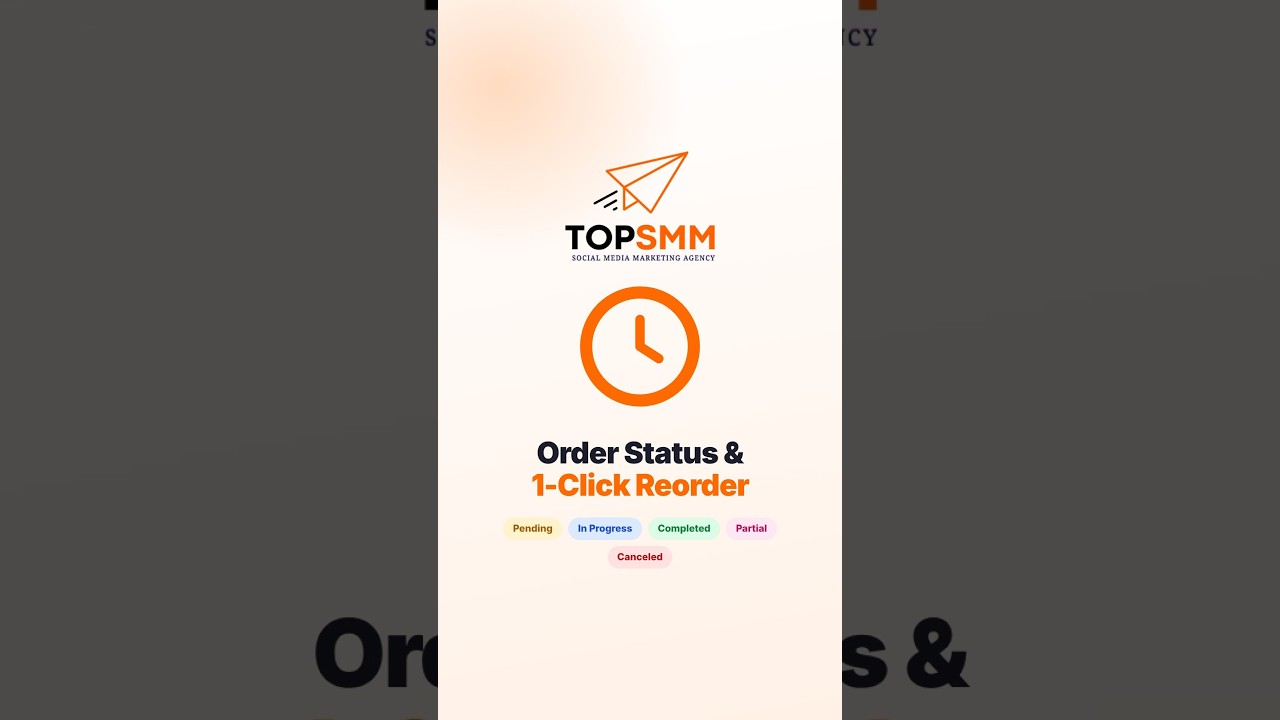
What Pending, In Progress, Completed, Partial and Canceled mean, and how to reorder the same service in one tap.
Watch on YouTube
Copy your Order ID in one tap and open WhatsApp support with your order details already filled in.
Watch on YouTubeSee every balance change in your account.

Open Transaction History and understand Addition, Deduction and Credit entries on your TopSMM balance.
Watch on YouTubeNew to SMM panels? Read the step-by-step guide SMM panel me order kaise kare, learn what refill means, or see all answers on the FAQ page. New videos are added to the TopSMM YouTube channel regularly.
Create a free TopSMM account and start from just ₹5 with UPI.